

Wi-Fi Smart Device Setup
Connect compatible consumer smart home devices to an existing home Wi-Fi network and confirm they appear in the manufacturer's app.
Select This ServiceChicago Property Service
A device may be installed correctly and still refuse to pair, reconnect after a router change, or appear in the right app. MainteGO helps with everyday consumer smart-home setup and troubleshooting using the customer’s own network and account. Send the brand and model, app name, router details, current error message, and the point where setup stops.
Please keep passwords and verification codes private and enter them only on your own device.
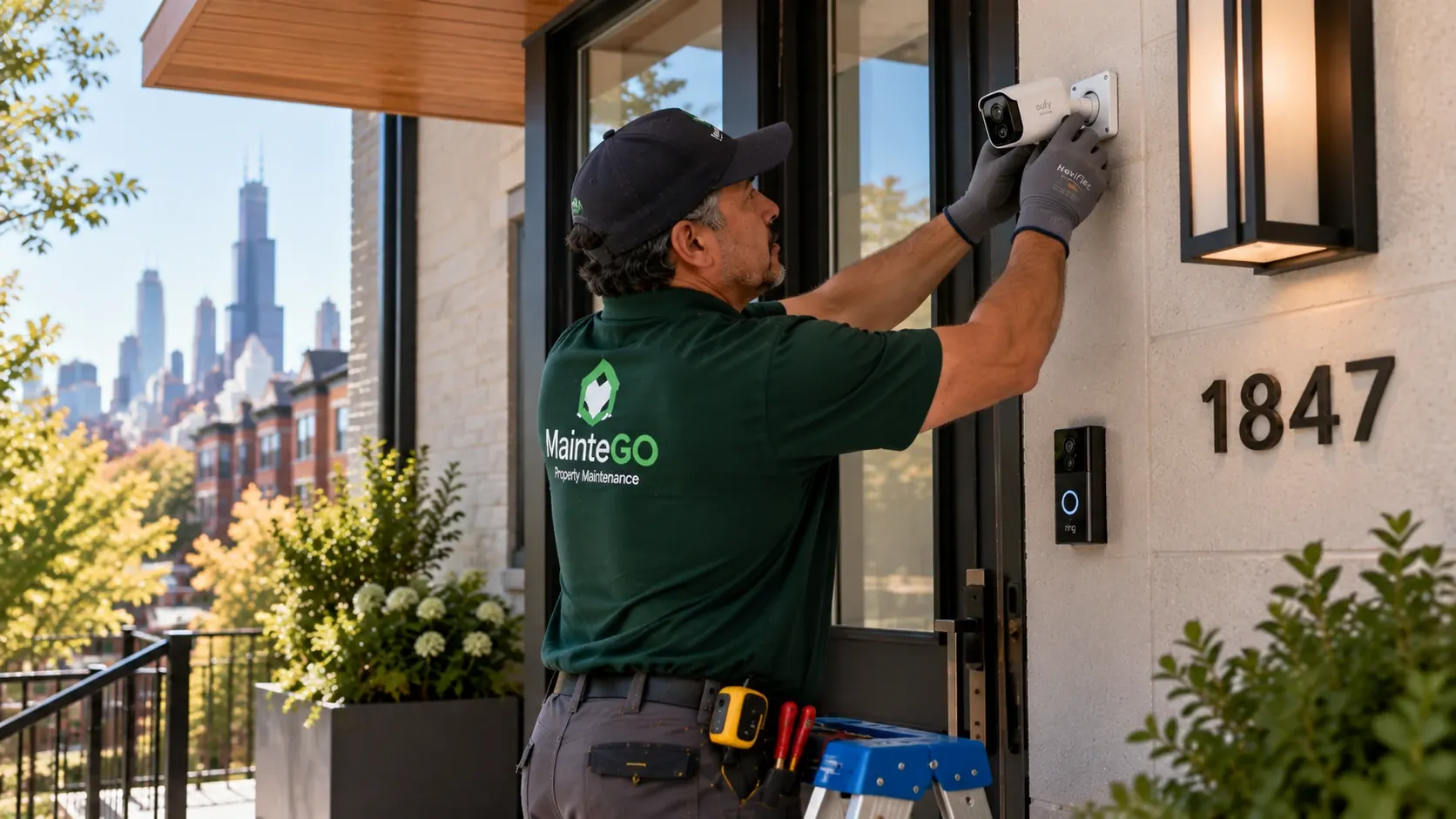 Chicago smart home setup
Connected-device help
From connecting a new smart plug to getting devices back online after a Wi-Fi change, MainteGO helps with everyday smart home setup and troubleshooting. Choose the service that matches your device or describe your issue in a request.
Connect compatible consumer smart home devices to an existing home Wi-Fi network and confirm they appear in the manufacturer's app.
Select This ServiceInstall the manufacturer's app, guide device pairing, and help organize everyday controls and settings using your own account.
Select This ServiceReconnect eligible non-security devices after router or Wi-Fi changes, review common pairing issues, and test basic connectivity.
Select This ServiceSet up plug-in smart outlets, connect them to Wi-Fi, and configure basic schedules or routines for compatible household devices.
Select This ServicePair compatible smart light bulbs with their apps or hubs and adjust everyday lighting controls without modifying electrical wiring.
Select This ServiceConnect plug-in light strips and non-hardwired accent lighting, including supported app controls and simple automation settings.
Select This ServiceSet up compatible voice assistants, connect approved household devices, and configure basic voice commands using your account.
Select This ServiceConnect a consumer smart home hub to an existing network and pair compatible non-security devices for easier everyday control.
Select This ServiceConnect compatible household appliances to their manufacturer apps for everyday controls and notifications, without appliance repair or utility connections.
Select This ServiceLocal service planning
Dense Wi-Fi environments, shared networks, older routers, and condo mounting rules can affect connected-device setup. Have the device, app login, and network access available.
Why MainteGO
Share the devices you need help with in one request so we can review compatibility and plan the visit more efficiently.
Tell us the brand, model, and symptoms ahead of time. Photos or screenshots can help clarify what needs to be connected.
Keep your service details, scheduling updates, and messages together through MainteGO's request process.
Three simple steps
For your privacy, sign in to your own accounts and keep passwords and verification codes private.
Submit the device brand, model, a short description of the issue, and photos if available.
We review the request, clarify what equipment or access is needed, and confirm whether the work fits our service scope.
For eligible devices, we help complete pairing and basic setup, then review the controls with you.
Smart Home Device Setup FAQ
Many consumer devices use 2.4 GHz during setup, while others support additional bands. Check the product instructions and know the network name, but do not send passwords in the request.
Install the manufacturer app and decide who should own the device account. For rentals, ownership should be clear before the device is paired.
The product specifications should state whether it works directly with Wi-Fi or requires a compatible hub. Send both product links when a hub is involved.
Yes, for compatible consumer products that do not require changes to building wiring. Existing dimmers and fixtures can affect smart-bulb behavior.
Hardwired switches, outlets, fixtures, thermostats, and doorbells should be routed through Electrical or HVAC Services as appropriate.
The owner and resident should agree on account ownership, transfer, privacy, and removal before setup. MainteGO should not receive private passwords.
Start your smart home request
Tell us which devices and apps need to work together.